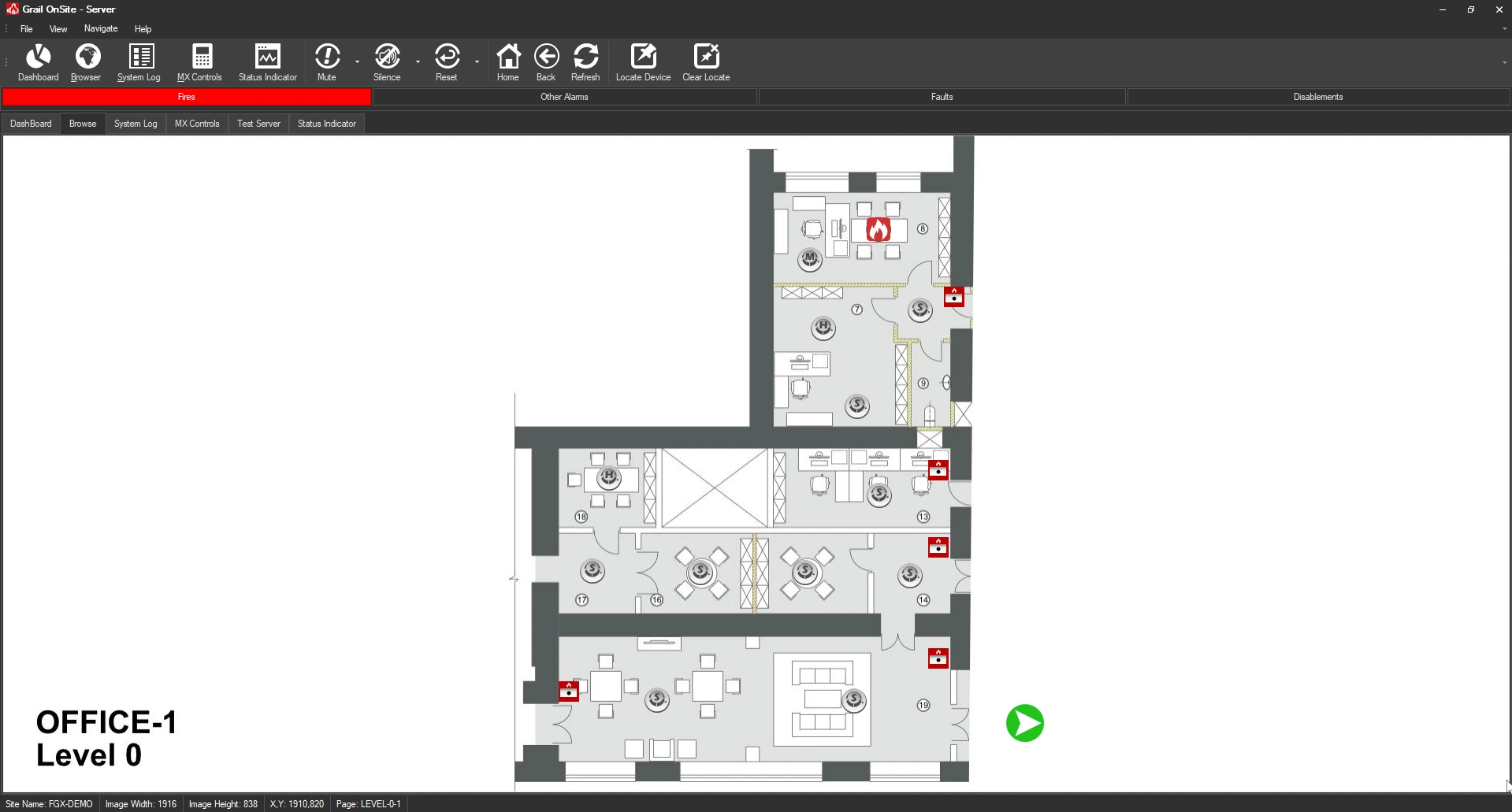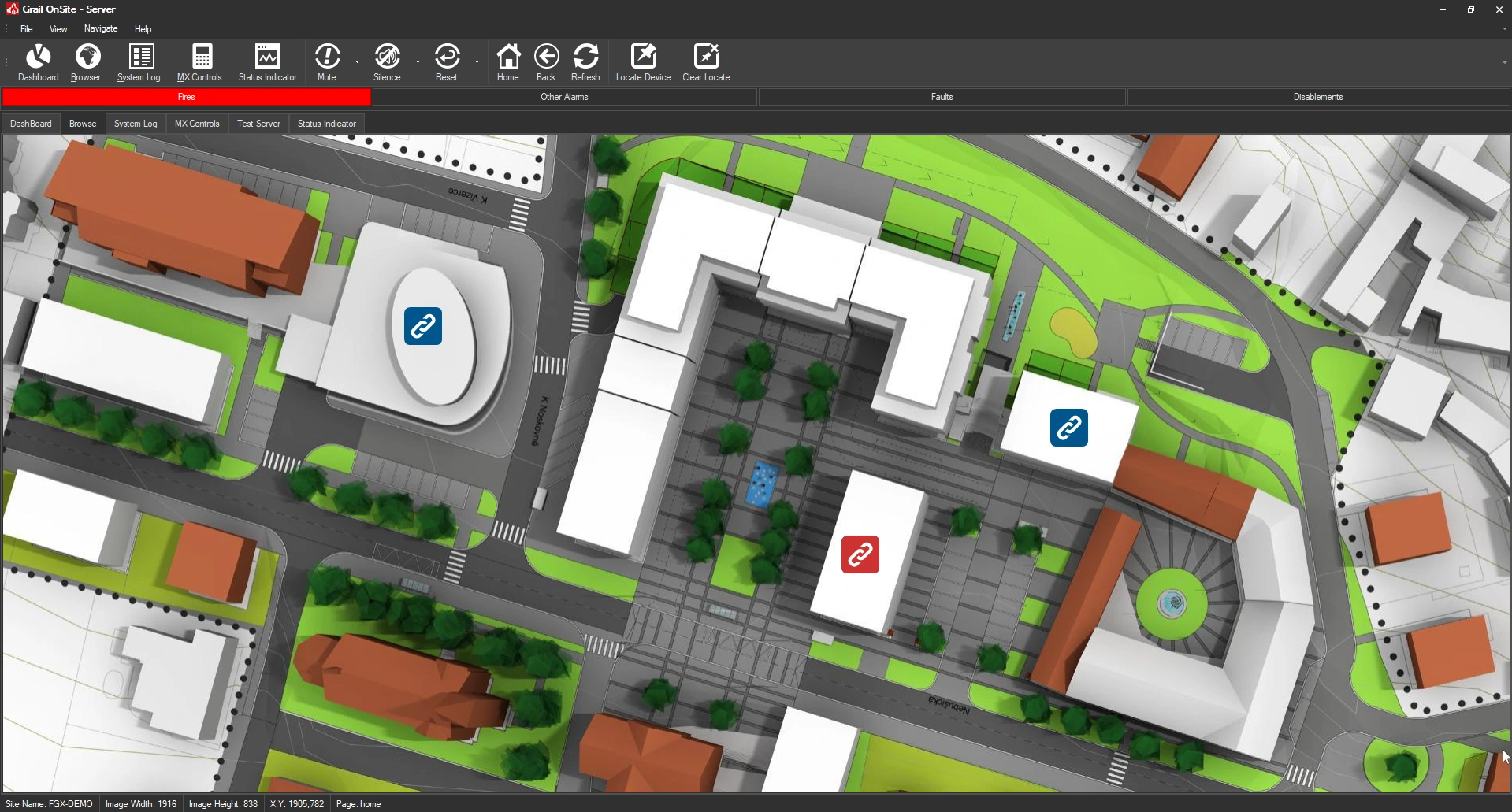
Grail Graphics is a software application that runs locally on a PC and connects to a building alarm system. Alarm activations are displayed visually on building floor plans to quickly identify the area in alarm.
Building plans display alarm devices which automatically respond to activations. Users quickly and easily navigate the plans using browser like controls.
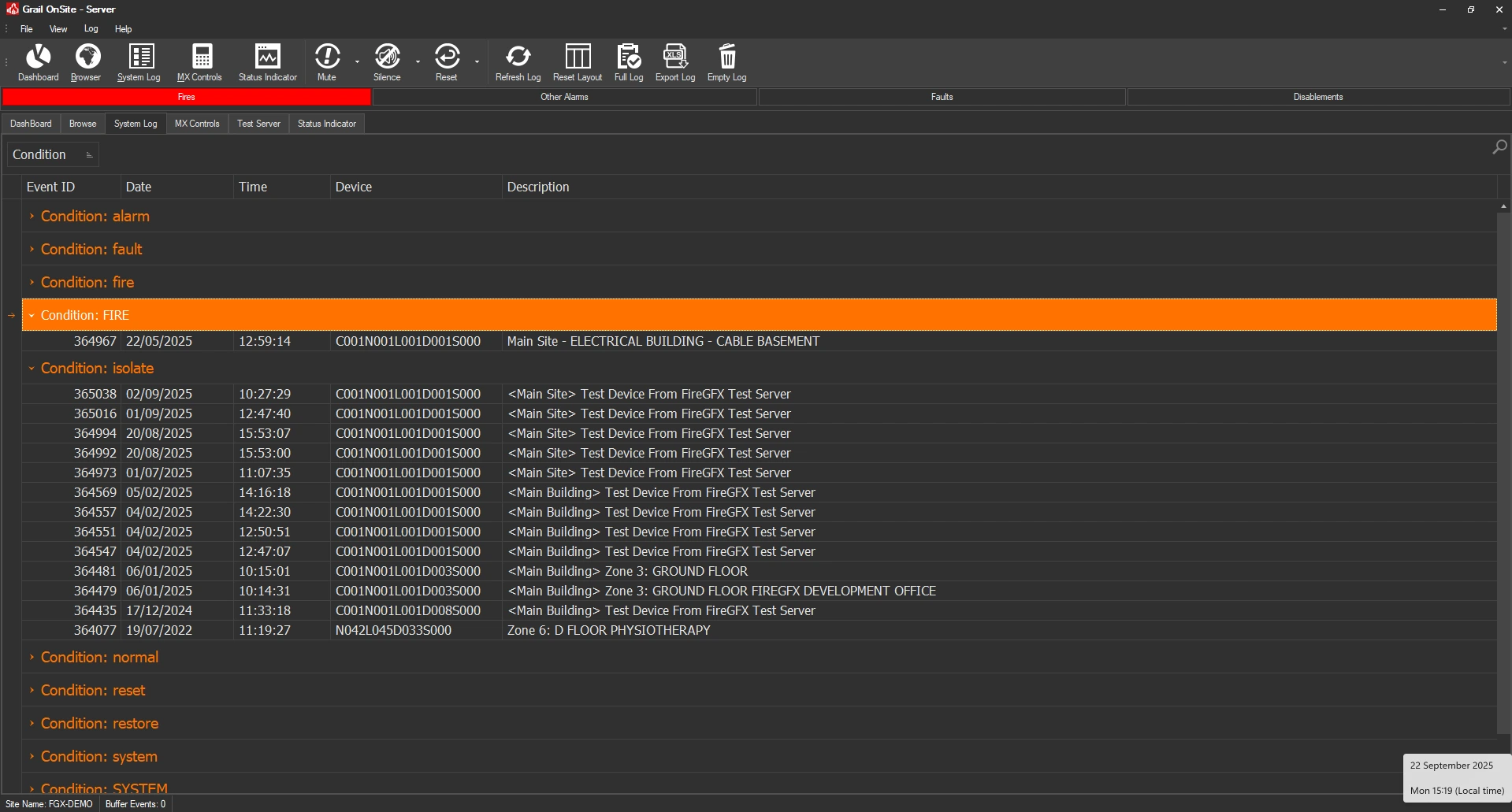
Every alarm event is logged into the system event log. Powerful search, filtering and grouping features allow events to be surfaced in any manner, providing a clear and concise picture of events over time.
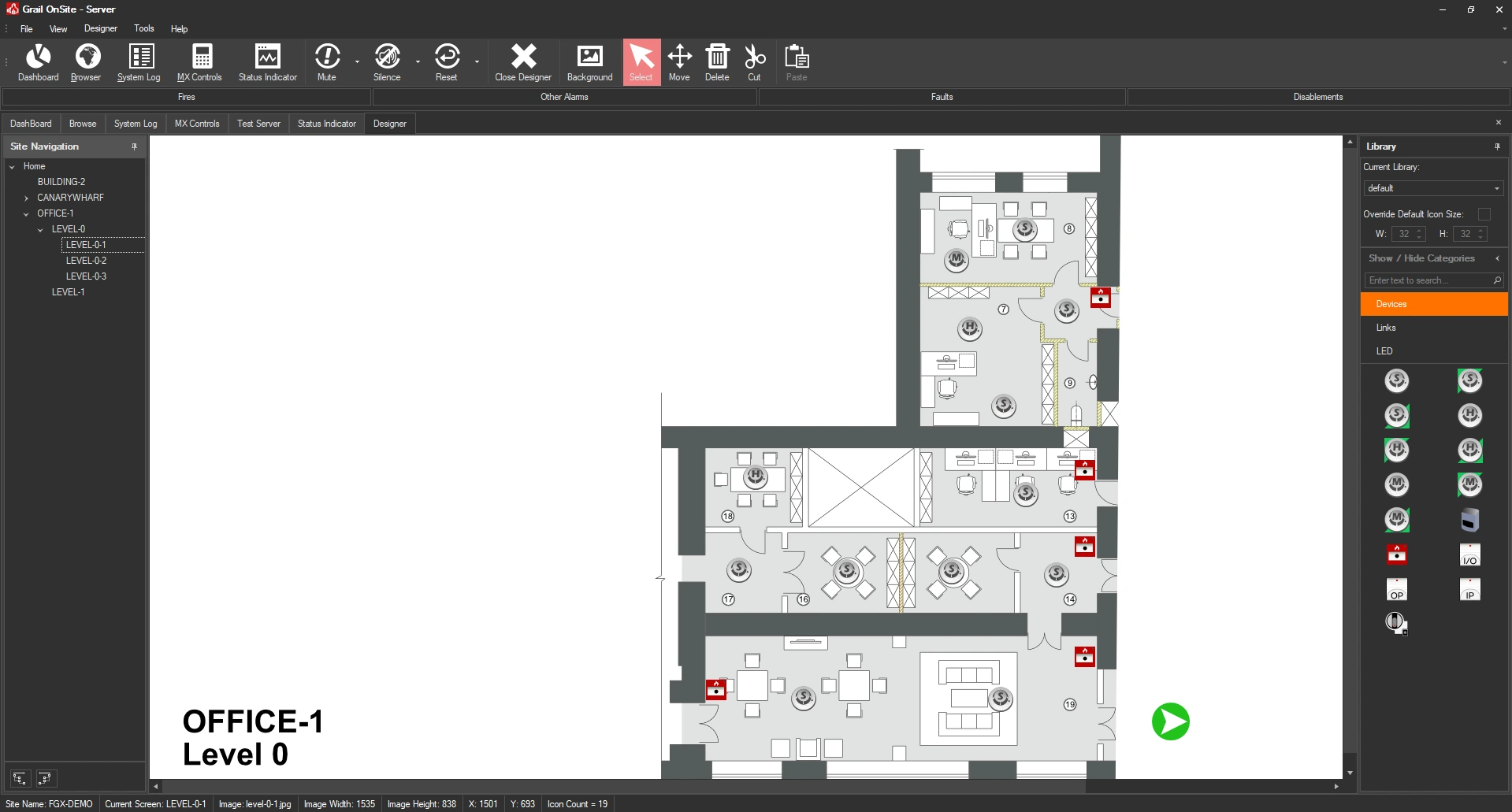
Keep building plans and devices up to date during Fire Alarm modification works. The built-in Drag & Drop Designer is simple to use and drastically reduces engineering costs.
Segmented event lists provide quick access to current alarms based on their condition. Fires, Alarms, Faults and Disablements are all displayed separately.
Reduce training time and increase flexibility. Connected devices can be disabled or enabled directly from the building map screen.
(Some Features May Not Be Available On All Systems)
Status Indicator mode, replaces the map view with fundamental colour-coded alarm indicators.
Ideal for public areas and telephone switchboards where a simple and obvious indication of alarm events requires annunciating.
View the Grail Introduction video for a quick overview of the powerful features included in the Grail Platform.
Use the Grail Remote Browser software to control your Alarm System from anywhere on your buildings wired or wireless LAN/WAN.
View live maps of alarm activations with real-time updates from virtually anywhere within a building complex.
View, Silence, Mute, Reset, Disable and Enable alarms from your Desktop, Laptop or Tablet PC.
Access alarm logs and events remotely from your Desktop. Export logs natively to Excel for further analysis and compliance reporting.
The Grail Remote Browser software does not require a hardware connection to a Fire Alarm System. It connects to the Grail Graphics software over a wired or wireless LAN or WAN, providing a very high degree of flexibility in accessing Alarm data.
Facilities managers, responsible persons, and shift engineers can load the software anytime to view, query and manage a system. The Remote Browser software does not need to be active at the time an event occurs, the current system state will load when the software is opened.
Permanent connections can provide real-time views into live events and inform everyone within the vicinity of the precise location of an alarm.
Large format displays, wall-mounted PCs and tablet PCs provide an array of possibilities to manage an alarm event effectively and efficiently.